





Loading
Skip to content
Download

Stead, on every screen.

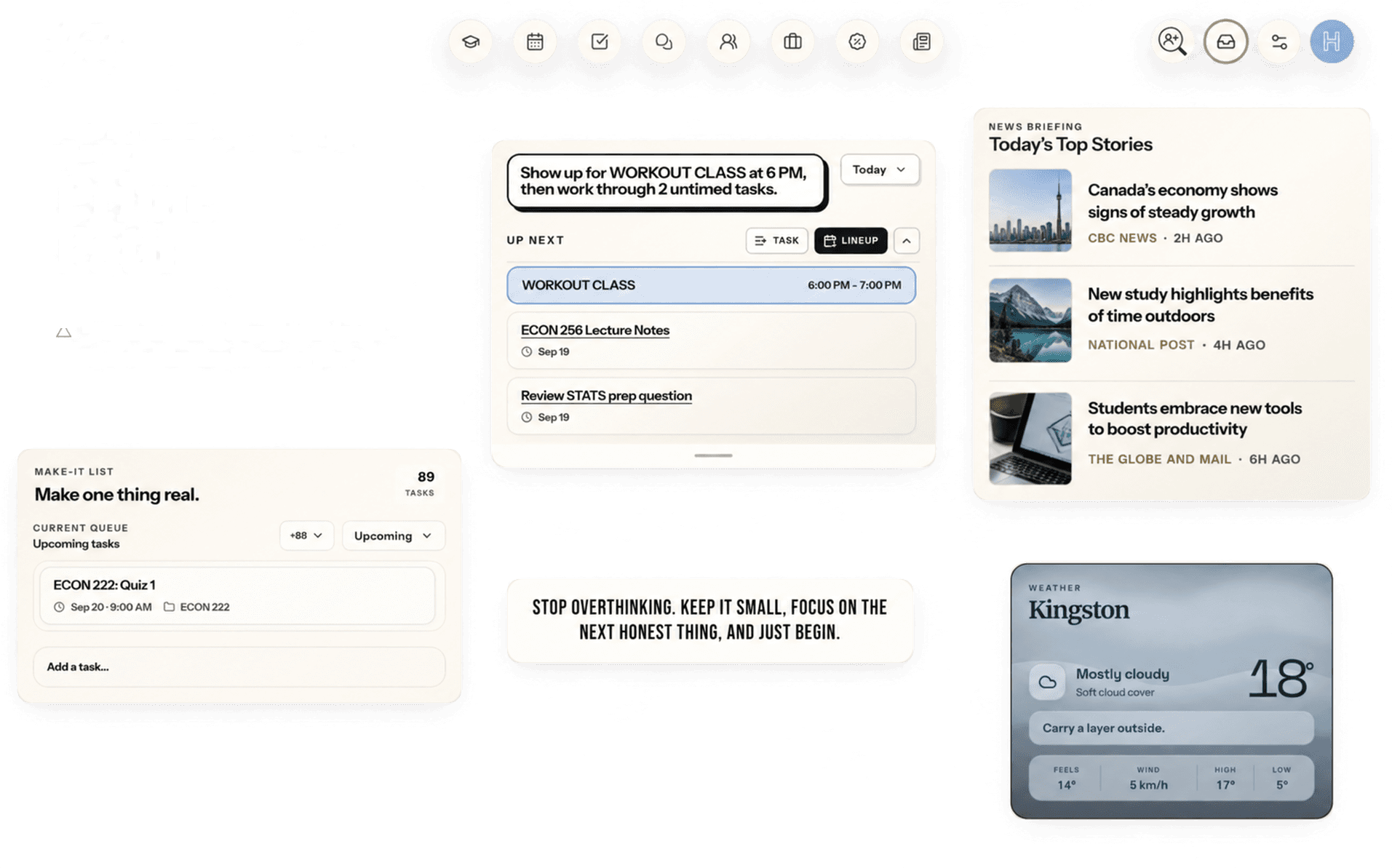
An app in your Mac’s Dock or on your Windows taskbar, or open in any browser - one account, the same day on all of them. Your phone is next.

macOS 14 or later · Apple silicon and Intel · Windows 10 or later · 64-bit · Currently free

iPhone version coming soon

Available

Stead for Mac

Keep Stead in your Dock, ready for your next class.

  • In your Dock

    Its own window, a click away, with your existing account.

  • Reminders from macOS

    A class reminder arrives on time, even with Stead closed.

  • Updates itself

    New versions install from inside the app. Nothing to re-download.

Download for macOSVersion 0.2.1 · macOS 14 or later · Apple silicon and Intel

Installing

  1. 1Open Stead-0.2.1.dmg.
  2. 2Drag Stead into your Applications folder.
  3. 3Open Stead and sign in.

Already have Stead? It updates itself - look for the update button inside the app.

Available

Any browser

Nothing to install. Open Stead in Chrome, Safari, Edge or Firefox on any computer - a library machine included - and sign in.

Coming soon

Stead for your phone

Stead for iPhone and Android is being built now - the same account, in your pocket.

Coming to

iPhoneAndroid

Until it lands, Stead is at its best on a laptop or desktop. Your account comes with you when it does.

Available

Stead for Windows

Keep Stead on your taskbar, one click from your day.

Download for Windows

Version 0.3.2 · Windows 10 or later · 64-bit · Currently free

What Windows will ask

A blue screen saying “Windows protected your PC”. Windows shows it for any app it has not seen many times yet, and Stead is new. Choose More info, then Run anyway.

Installing

  1. 1Open Stead-0.3.2-setup.exe and let Windows through.
  2. 2Stead installs and opens.
  3. 3Sign in, and your day is already there.

Wherever you open it, it’s the same Stead.

  • One account

    Sign in on each screen and your calendar, courses and tasks are already there.

  • Currently free on all of them

    Every version is currently free, with no paid tier and nothing held back.

  • Always current

    The web app is always the newest Stead, and the Mac app updates itself.